What is
Encore is an open source TypeScript backend framework. You define your infrastructure (databases, queues, cron jobs, API endpoints) directly in your application code using the Encore SDK.
Encore understands your app's architecture and uses it to run your app locally, provision cloud infrastructure (in your AWS or GCP account), and give you observability like distributed tracing and service catalogs, all without config files or boilerplate.
Learn more about Encore →Better Auth is a comprehensive TypeScript authentication library. It supports email/password, OAuth (20+ providers), two-factor authentication, magic links, and session management out of the box.
You configure it with a database and your OAuth credentials. Better Auth handles user registration, login flows, session tokens, and account linking. It works with any PostgreSQL database.
Learn more about Better Auth →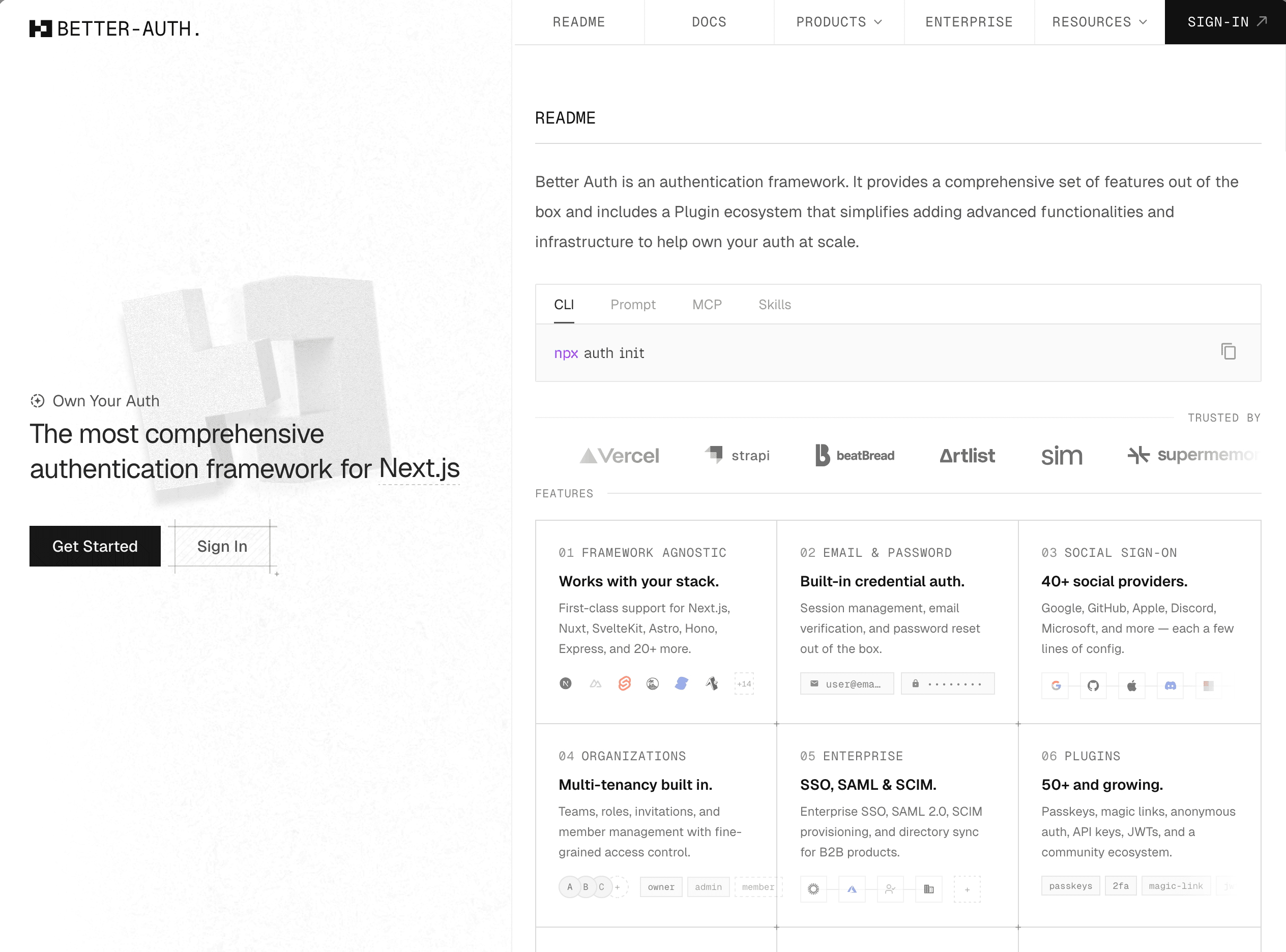
What Better Auth + Encore gives you
The infrastructure you'd eventually build around auth (managed database, secrets per environment, preview environments, tracing) already done, in your AWS or GCP account.
Database included
Define a database in TypeScript and Encore creates PostgreSQL for you, locally and in the cloud. Better Auth stores sessions, users, and accounts in it automatically.
Deploy to your own AWS or GCP
Start free on Encore Cloud. When you're ready, connect your own AWS or GCP account and Encore deploys there instead. No code changes.


Social login ready
GitHub, Google, Discord, and 20+ providers. Just add your credentials and you're live.
Session management
Secure httpOnly cookies, automatic token refresh, and session revocation built-in.
Preview environments
Every pull request gets a full copy of your backend with its own database and secrets. Test auth flows before merging.
Secrets management
Store OAuth credentials in Encore instead of .env files. Each environment (local, preview, production) has its own values.
Trace every request
Every API call and login attempt gets a visual timeline showing what happened, how long it took, and where it failed.
Simple to use
Three files. That's all you need for production-ready authentication.
import { betterAuth } from "better-auth";
import { Pool } from "pg";
import { secret } from "encore.dev/config";
import { db } from "./db";

const authSecret = secret("AuthSecret");

const pool = new Pool({
  connectionString: db.connectionString,
});

export const auth = betterAuth({
  secret: authSecret(),
  basePath: "/auth",
  database: pool,
  trustedOrigins: [
    "http://localhost:4000",
    "http://127.0.0.1:4000",
  ],
  emailAndPassword: {
    enabled: true,
  },
});Expose the auth endpoints
Better Auth provides a handler that serves all auth routes: sign in, sign up, OAuth callbacks, and session management. Expose it using an Encore raw endpoint to map all /auth/* routes.
import { api } from "encore.dev/api";
import { auth } from "./auth";

// Expose all Better Auth routes at /auth/*
export const authRoutes = api.raw(
  { expose: true, path: "/auth/*path", method: "*" },
  async (req, res) => {
    // Convert Node.js request to Web Request
    const chunks: Buffer[] = [];
    for await (const chunk of req) chunks.push(chunk);
    const body = Buffer.concat(chunks);

    const headers = new Headers();
    for (const [key, value] of Object.entries(req.headers)) {
      if (value) headers.append(key, Array.isArray(value) ? value.join(", ") : value);
    }

    const webReq = new Request(`http://${req.headers.host}${req.url}`, {
      method: req.method,
      headers,
      body: ["GET", "HEAD"].includes(req.method || "") ? undefined : body,
    });

    const response = await auth.handler(webReq);
    response.headers.forEach((v, k) => res.setHeader(k, v));
    res.writeHead(response.status);
    res.end(await response.text());
  }
);Protect your APIs
Create an auth handler that validates Better Auth sessions. Then add auth: true to any endpoint and Encore validates the session before your handler runs.
import { APIError, Gateway } from "encore.dev/api";
import { authHandler } from "encore.dev/auth";
import { Header } from "encore.dev/api";
import { auth } from "./auth";

interface AuthParams {
  authorization: Header<"Authorization">;
}

interface AuthData {
  userID: string;
}

const handler = authHandler<AuthParams, AuthData>(
  async (params) => {
    const session = await auth.api.getSession({
      headers: new Headers({
        authorization: params.authorization,
      }),
    });

    if (!session) {
      throw APIError.unauthenticated("invalid session");
    }

    return { userID: session.user.id };
  }
);

export const gateway = new Gateway({ authHandler: handler });
Trace every auth request
Every login, signup, and session check is automatically traced. See the full request flow from your API through Better Auth to the database, locally and in production. No instrumentation code to write.
Learn more about tracing →What you don't have to build
The boring, error-prone work that Better Auth and Encore eliminate.
You focus on your product. That's it.
Build your Better Auth + Encore backend with AI
Because Encore defines infrastructure in code and provides built-in distributed tracing, AI coding assistants like Claude and Cursor can build and debug your entire Better Auth integration end-to-end.
They can read your Encore services to understand auth handlers and session flows, then inspect traces to diagnose exactly what happened when a Better Auth login attempt fails or an OAuth callback errors.
When you're ready for your own cloud
Connect your AWS or GCP account and deploy. Encore provisions the infrastructure directly in your account: databases, load balancers, IAM roles, networking. Same code you've been running on Encore Cloud.
You can see it all in your console. Customer data stays in your infrastructure. Full control when you need it.
Learn how cloud deployment works →What you get in your own cloud
Declare what you need in TypeScript. Encore provisions it in your AWS or GCP account.
Databases
RDS or Cloud SQL for users, sessions, and accounts.
Secrets
AWS Secrets Manager or GCP Secret Manager for OAuth credentials.
Pub/Sub
SQS or GCP Pub/Sub for async auth event processing.
Cron Jobs
CloudWatch or Cloud Scheduler for session cleanup and token rotation.
Load Balancer & TLS
ALB or Cloud Load Balancing with automatic certificates.
Object Storage
S3 or Cloud Storage for user uploads and profile assets.
IAM & Networking
Proper IAM roles, VPCs, and security groups by default.
Observability
Distributed tracing, metrics, and logging out of the box.