 Ivan Cernja
Deploy Multi-Service TypeScript to AWS Without Docker, Terraform, or Kubernetes
What if the infrastructure just followed from the code?

An AI agent can generate a multi-service TypeScript backend with three services, two databases, event-driven communication, and a cron job in about 20 minutes. Express services, pg connections, BullMQ for the message queue, node-cron for the scheduler. The application code works.
Deploying that to AWS is a different story. Each service needs a Dockerfile, an ECR image, an ECS task definition, a target group on the load balancer, an RDS instance with subnet groups and security groups, IAM roles, and environment variables wiring everything together. For three services with pub/sub and a cron job, the infrastructure config typically runs 500-800 lines of Terraform across a dozen files, plus three Dockerfiles, a docker-compose.yml for local development, and a CI/CD pipeline that coordinates all of it.
The infrastructure cost also scales linearly with each new service in a way the application code doesn't. A fourth service adds another 100-150 lines of Terraform, another Dockerfile, another task definition, another set of IAM policies. This is why most teams that start with microservices stop at 3-5 services, not because the architecture hit a limit, but because the infrastructure budget did.
Three Services, Zero Infrastructure Config
Here's the same backend built with Encore.ts, an open-source TypeScript framework where infrastructure is declared in the application code and provisioned automatically.
Service 1: Orders. API endpoints, a PostgreSQL database, publishes events when orders are created.
// orders/orders.ts
import { api } from "encore.dev/api";
import { SQLDatabase } from "encore.dev/storage/sqldb";
import { Topic } from "encore.dev/pubsub";

// Declares a PostgreSQL database. Encore provisions RDS on AWS.
const db = new SQLDatabase("orders", { migrations: "./migrations" });

// Declares a Pub/Sub topic. Encore provisions SNS + SQS per subscriber.
export const orderCreated = new Topic<OrderEvent>("order-created", {
  deliveryGuarantee: "at-least-once",
});

interface OrderEvent {
  orderId: string;
  customerId: string;
  total: number;
}

// Defines a type-safe API endpoint. Encore handles routing and validation.
export const create = api(
  { expose: true, auth: true, method: "POST", path: "/orders" },
  async (req: { customerId: string; total: number }): Promise<Order> => {
    const order = await db.queryRow<Order>`
      INSERT INTO orders (customer_id, total)
      VALUES (${req.customerId}, ${req.total})
      RETURNING id, customer_id as "customerId", total`;
    await orderCreated.publish({
      orderId: order!.id,
      customerId: req.customerId,
      total: req.total,
    });
    return order!;
  }
);

export const get = api(
  { expose: true, method: "GET", path: "/orders/:id" },
  async ({ id }: { id: string }): Promise<Order> => {
    return (await db.queryRow<Order>`
      SELECT id, customer_id as "customerId", total
      FROM orders WHERE id = ${id}`)!;
  }
);
Service 2: Notifications. Subscribes to order events, sends notifications.
// notifications/notifications.ts
import { Subscription } from "encore.dev/pubsub";
import { orderCreated } from "../orders/orders";

// Subscribes to the order-created topic. Encore handles delivery and retries.
const _ = new Subscription(orderCreated, "send-notification", {
  handler: async (event) => {
    console.log(`Notifying about order ${event.orderId}`);
  },
});
Service 3: Analytics. Its own database, a daily cron job for reporting.
// analytics/analytics.ts
import { api } from "encore.dev/api";
import { SQLDatabase } from "encore.dev/storage/sqldb";
import { CronJob } from "encore.dev/cron";
import { Subscription } from "encore.dev/pubsub";
import { orderCreated } from "../orders/orders";

// Second database, independent from the orders database.
const db = new SQLDatabase("analytics", { migrations: "./migrations" });

// Subscribes to order events to track analytics data.
const _ = new Subscription(orderCreated, "track-order", {
  handler: async (event) => {
    await db.exec`
      INSERT INTO order_events (order_id, customer_id, total, tracked_at)
      VALUES (${event.orderId}, ${event.customerId}, ${event.total}, NOW())`;
  },
});

export const dailyReport = api(
  { expose: false },
  async (): Promise<void> => {
    const result = await db.queryRow<{ count: number; revenue: number }>`
      SELECT COUNT(*) as count, COALESCE(SUM(total), 0) as revenue
      FROM order_events WHERE tracked_at > NOW() - INTERVAL '24 hours'`;
    console.log(`Daily: ${result!.count} orders, $${result!.revenue} revenue`);
  }
);

// Declares a cron job. Encore provisions CloudWatch Events on AWS.
const __ = new CronJob("daily-report", {
  schedule: "every 24 hours",
  endpoint: dailyReport,
});
Three services, two databases, a pub/sub topic with two subscribers, a cron job, and service-to-service communication. About 80 lines of business logic. Zero infrastructure config.
What Happens on Deploy
git push encore
Encore's compiler reads all three services and builds the infrastructure graph:
| From the code | Provisioned on AWS |
|---|---|
2x new SQLDatabase(...) | 2 RDS PostgreSQL instances with backups and security groups |
1x new Topic(...) | SNS topic |
2x new Subscription(...) | 2 SQS queues with dead-letter queues |
1x new CronJob(...) | CloudWatch Events rule |
3 services with api() | 3 Fargate services on ECS |
auth: true on endpoints | Least-privilege IAM per service |
The orders service can access the orders database but not the analytics database. The analytics service can access the analytics database but not orders. Each service gets only the IAM permissions it needs, determined at compile time from code analysis.
What You Didn't Write
For a three-service backend on AWS:
- 0 Dockerfiles
- 0 lines of Terraform, CDK, or CloudFormation
- 0 docker-compose.yml
- 0 Kubernetes manifests
- 0 IAM policy documents
- 0 CI/CD pipeline configuration
- 0 environment variable files
- 0 VPC/subnet/security group config
- 0 ECS task definitions
Adding Services Doesn't Add Infrastructure Work
Adding a fourth service is: create a directory, write the business logic, push. The infrastructure graph grows automatically from the new declarations.
This changes the economics of service boundaries. When the cost of adding a service is just writing the business logic, you can split at the points where it makes architectural sense instead of where the infrastructure budget allows.
Local Development Matches Production
encore run
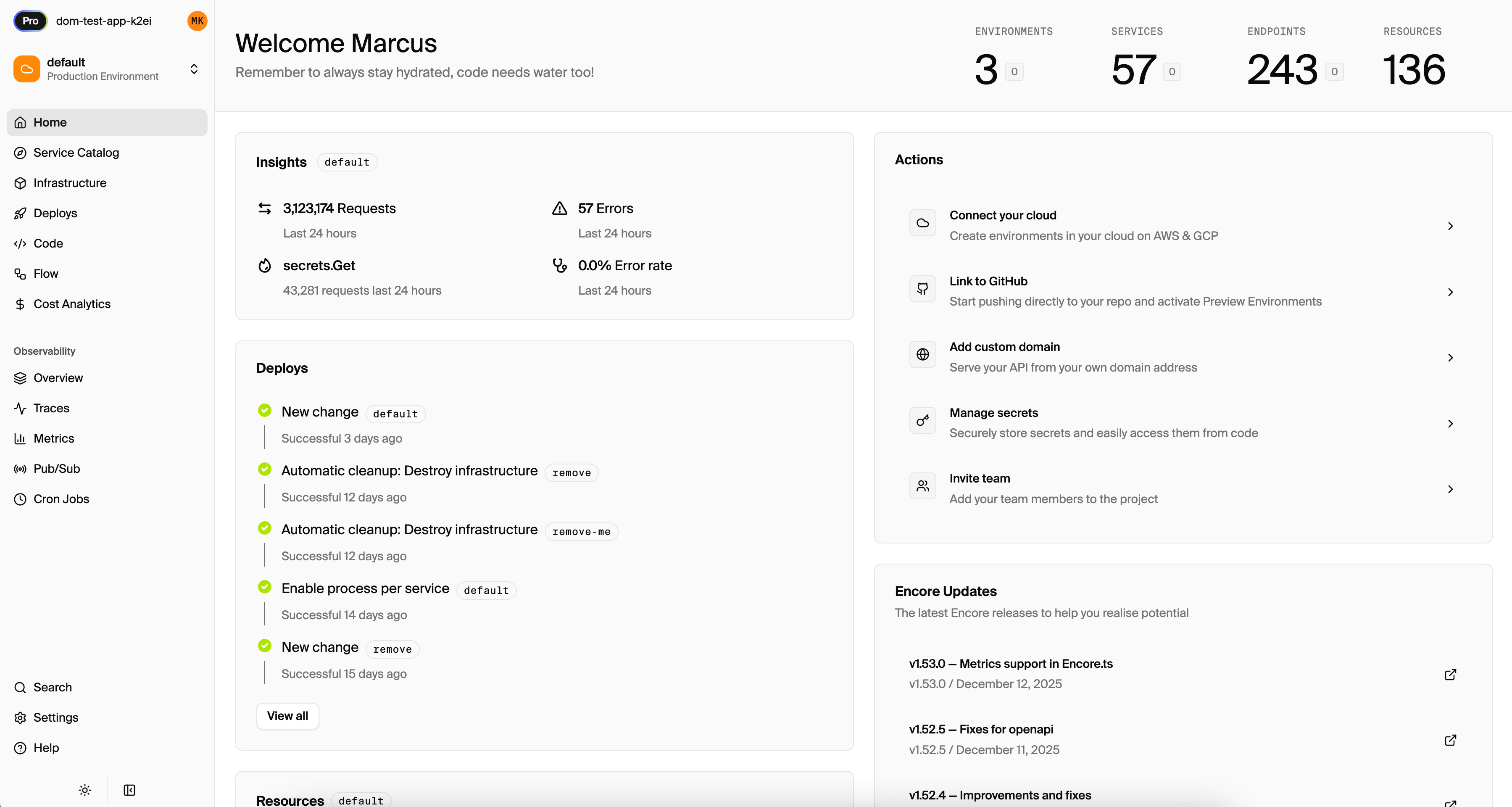
All three services start with two real PostgreSQL instances provisioned locally via Docker, pub/sub delivering messages between services, and the cron job running on schedule. A local dashboard at localhost:9400 shows distributed traces across all three services, an API explorer, a service graph, and database browsers for both databases.

Want to jump straight to a running app? Clone this starter and deploy it to your own cloud.